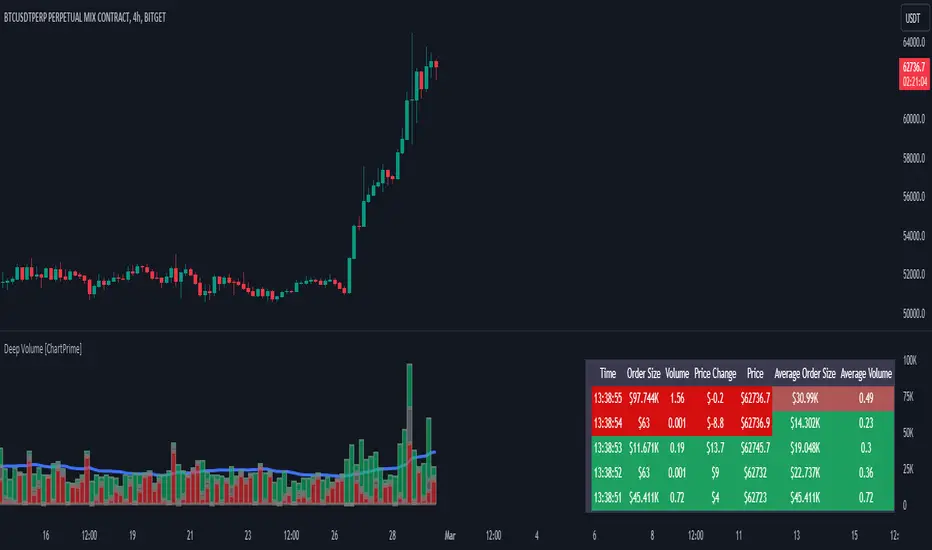
TICK Arbitrage Toolkit [LuxAlgo]The TICK Arbitrage Toolkit is a specialized institutional internal analysis tool designed to track market breadth and identify high probability reversal zones through TICK and TICKQ index monitoring. It provides real time visualization of market sentiment and internal extremes to assist traders in index scalping and mean reversion strategies.
🔶 USAGE
The indicator identifies three distinct extension levels to signal when market internals are reaching extreme overbought or oversold conditions. Traders use these extensions to anticipate potential price exhausts or trend reversals in major indices like the S&P 500 or Nasdaq 100.
The toolkit maps the NYSE TICK or NASDAQ TICKQ values directly onto the price chart by colorizing bars and providing visual markers. A gradient system transitions bar colors based on the intensity of the TICK value, allowing for a clear interpretation of internal momentum without needing a separate pane.
🔹 Extension Levels
The script utilizes three configurable extension levels (defaulting to 800, 1000, and 1200) to categorize the strength of the internal move.
Extension 1: Displays a single marker and begins tracking for new session highs or lows.
Extension 2: Displays two vertical markers to indicate increasing internal pressure.
Extension 3: Displays three vertical markers and reaches maximum color opacity, signaling an extreme arbitrage opportunity.
🔹 Session Tracking
The toolkit automatically tracks the session high and low for the selected TICK source. When the market reaches a New High of Day (NHOD) or New Low of Day (NLOD) in the internals, a professional label is printed to highlight the breakout.
🔶 DETAILS
The toolkit includes a Refresh Frequency setting that allows the script to process data at a higher resolution than the chart timeframe. By selecting a sub minute frequency such as 1S or 5S, the indicator can react to internal spikes that occur within a single chart bar.
The Include High/Low Extremes feature ensures that brief intrabar spikes are captured. Rather than only looking at the close of the TICK bar, the script evaluates the high and low to find the maximum magnitude, providing a more accurate representation of true market stress.
🔶 SETTINGS
🔹 Settings
TICK Source: Select between NYSE TICK for S&P 500 analysis or NASDAQ TICKQ for Nasdaq 100 analysis.
Refresh Frequency: Determines how often the internal data is sampled. Lower values provide more granular intrabar detail.
Include High/Low Extremes: When enabled, the script uses the absolute highest or lowest value within the sampling period to capture spikes.
Extension 1, 2, 3: Numeric thresholds for the three levels of arbitrage intensity.
🔹 Style
Positive TICK Color: The color used for positive internal readings (typically associated with overbought/reversal zones).
Negative TICK Color: The color used for negative internal readings (typically associated with oversold/reversal zones).
Marker Style: Choose between Circles, Triangles, or None for the extension level markers.
🔹 Dashboard
Dashboard: Toggles the visibility of the on screen data table.
Position: Moves the dashboard to different corners of the chart.
Size: Adjusts the scale of the dashboard text and cells.
Индикатор Pine Script®